From sign-up to your first AI reply in an afternoon.
Brispe connects to WhatsApp through Meta's official WhatsApp Business Platform. You teach the AI in plain language, test it free, then switch on your own number. Here's every step.
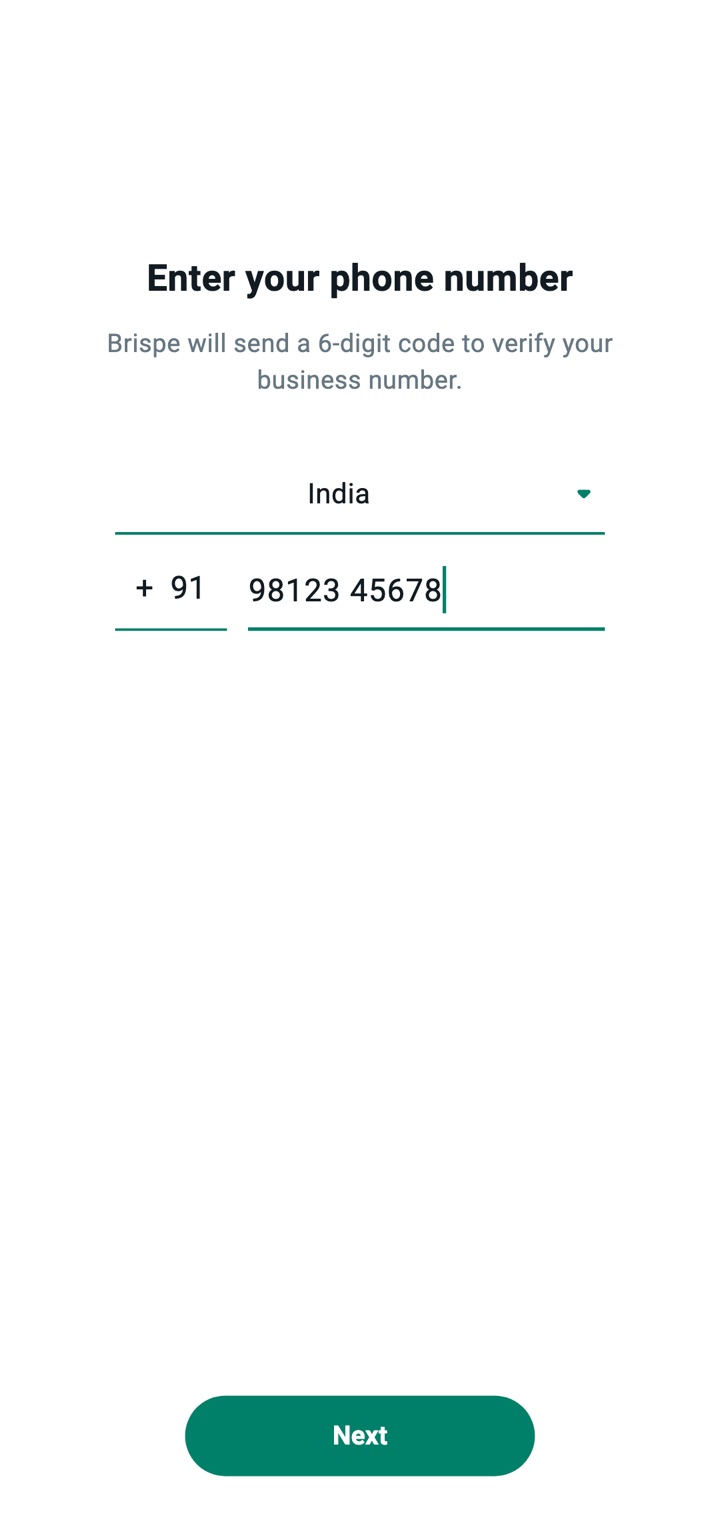
Sign up with your phone number.
Enter your mobile number and type the one-time code we send on WhatsApp. There's no password to remember. Your account starts in free demo mode with ₹50 in your wallet.
Teach your AI about your business.
A short setup wizard walks you through it. Give your bot a name, describe what it should help with, and add as much as you like:
- Your products or services, with prices and photos
- Frequently asked questions and your answers
- How to respond to objections such as "too expensive"
- Brochures, price lists and presentations to share
- Words that should hand the chat to a person
Example: what a real-estate office writes
We are Sharma Realty in Sector 62, Noida. We sell 2BHK (from ₹58 lakh) and 3BHK (from ₹82 lakh) flats in Green Heights. Site visits: 11 am–6 pm, all days. Speak politely in Hinglish. Always ask the customer's budget and preferred flat size. Share the price sheet when asked about prices.
That's all it takes to get useful, on-brand replies.
Set up lead capture and follow-ups.
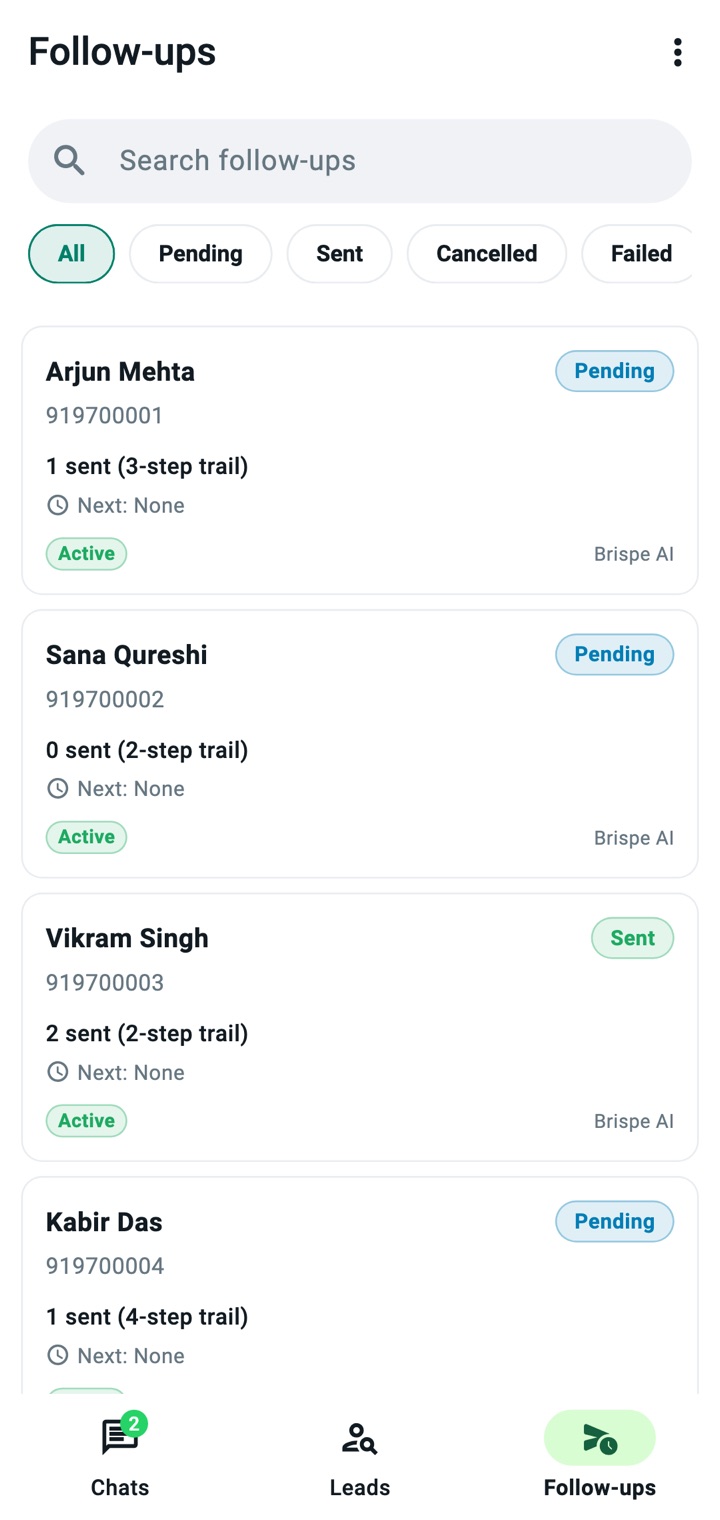
Choose the details you want from every customer, such as budget, city or course, and the AI will ask for them during the chat. Then set a follow-up sequence for people who stop replying, so no enquiry goes cold.
Test free on the Brispe demo number.
Before any customer sees it, chat with your AI yourself. Scan a QR code or tap a link to message it on WhatsApp. Add up to 5 phones — yours, your partner's, your sales team's — and try to catch it out.
Nothing goes live until you say so
The demo number is shared for testing and only answers the phones you verify. Your customers never see a half-finished bot.
Connect your own WhatsApp number and go live.
Pick a plan, then click Connect WhatsApp. Meta's own sign-up window opens (Brispe is a Meta Tech Provider). Log in, choose or create your business account, verify your number, and you're live. Customers now reach your AI on your number.
- Official WhatsApp Business Platform — no unofficial tools that get numbers banned
- Invite your team as owners, admins or agents
- Install the Android app to follow chats on the go
What you'll need
- A phone number for your business that can receive a verification code
- A Facebook login to approve the connection (a Meta business account can be created during sign-up)
- About 10 minutes
WhatsApp's 24-hour rule, explained simply.
WhatsApp protects people from spam with one rule, and every business on the platform follows it. Understanding it also explains our pricing.
Within 24 hours of the customer's last message
You and your AI can reply freely with any message, file or voice note. This is where most sales conversations happen.
Beyond your plan's messages: ₹0.10 per message.
More than 24 hours later
The first message has to use a template that WhatsApp has approved, such as a follow-up or an offer. Once the customer replies, a new 24-hour window opens.
Beyond your plan's messages: ₹1.10 per message.
Ready to try it on your own business?
Steps 1–4 are completely free. You only pick a plan when you're happy with your AI.